Molecular Preparation
Receptor Preprocessing
You can manually do receptor preprocessing using PyMOL. First, click one receptor in molecular list to view in PyMOL, and then:
Go to Edit menu -> Remove Water to delete water from receptor.
Go to Edit menu -> Remove Solvent to delete solvent from receptor.
Go to Edit menu -> Remove Organic to delete ligand from complex.
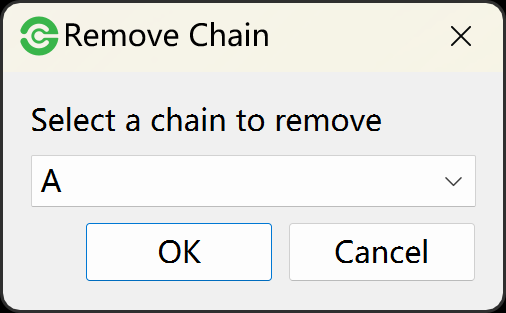
Go to Edit menu -> Remove Chain to select a chain to delete.
Note
Certainly, you can skip the receptor preprocessing step. The ligand and water will be automatically removed in molecular preparation step.
Receptor Preparation
The priority of receptor preparation tools: AutoDockTools > OpenBabel. For example, you can firstly select AutoDockTools as receptor preparation tool. If AutoDockTools failed, you can select OpenBabel as preparation tool.
For AutoDockTools, the prepare_receptor4.py in AutoDockTools was used to prepare receptor and generate PDBQT file. Before starting docking tasks, you can go to Edit menu -> Global Settings -> AutoDockTools -> Receptor preparation to set parameters.
Ligand Preparation
The priority of receptor preparation tools: AutoDockTools > Meeko > OpenBabel. For example, you can firstly select AutoDockTools as ligand preparation tool. If AutoDockTools failed, you can select Meeko as preparation tool. If Meeko failed, select OpenBabel.
For AutoDockTools, the prepare_ligand4.py in AutoDockTools was used to prepare ligands and generate PDBQT file. Before starting docking tasks, you can go to Edit menu -> Global Settings -> AutoDockTools -> Ligand reparation to set parameter.